
August 4, 2026 · Connor McDonnell
Common UV DTF Transfer Mistakes and How to Avoid Them
Common UV DTF transfer mistakes are one of the biggest reasons decorators experience peeling, bubbles, crooked graphics, or wasted materials—even when using premium transfers. As UV DTF technology becomes increasingly popular for decorating hard surfaces, small businesses, ecommerce sellers, promotional product companies, product decorators, print shops, and manufacturers are adopting it for its vibrant colors and ease of application.
However, the quality of the transfer is only part of the equation. Many failures result from improper application techniques, poor surface preparation, or avoidable handling errors rather than defective prints. This practical guide explains the most common mistakes, why they happen, and how beginners and experienced professionals can consistently achieve clean, durable, retail-quality results.
Key Takeaways
-
Most UV DTF transfer failures happen during application, not printing.
-
Proper surface preparation dramatically improves adhesion.
-
Air bubbles and wrinkles can usually be prevented with correct transfer techniques.
-
Clean artwork and quality transfers reduce production issues.
-
Different materials require slightly different application methods.
-
Following a proven UV DTF transfer guide helps businesses reduce waste and improve consistency.
Common UV DTF Transfer Mistakes: Why They Happen
Understanding UV DTF transfer mistakes begins with knowing how this decoration method differs from traditional vinyl or heat-transfer graphics. Unlike heat-applied transfers, UV DTF uses a pressure-sensitive adhesive that bonds directly to hard surfaces such as glass, acrylic, plastic, metal, wood, and coated products. Once the adhesive contacts the surface, repositioning becomes difficult, which means even small application errors can become highly visible.
Because UV DTF is designed for permanent hard-surface decoration, precision matters far more than many first-time users expect. Dust particles, fingerprints, improper alignment, or uneven pressure may all result in lifting edges, trapped air bubbles, or distorted graphics. Many apparent UV DTF transfer problems actually originate from preparation mistakes rather than manufacturing defects.
If you're new to the technology, it's helpful to first learn about UV DTF transfer techniques and understand how the adhesive system differs from traditional garment printing methods before troubleshooting application issues.
Mistake #1: Applying Transfers to Dirty Surfaces
One of the most frequent causes of failed UV DTF transfer application is inadequate surface preparation. Even surfaces that appear perfectly clean often contain invisible oils, fingerprints, dust, silicone residue, or manufacturing coatings that prevent proper adhesive bonding.
When contaminants remain on the surface, portions of the adhesive fail to make complete contact. This often leads to lifting edges, bubbling, reduced durability, or graphics that begin peeling after only a short period of use.
Before every application, clean the surface thoroughly using isopropyl alcohol and a lint-free microfiber cloth. Allow the surface to dry completely before positioning the transfer.
Always remove:
-
Dust particles
-
Fingerprints
-
Oils from handling
-
Wax or polish residue
-
Manufacturing contaminants
-
Moisture or condensation
Taking an extra minute to prepare the surface properly dramatically increases long-term adhesion and reduces costly application failures.
Mistake #2: Poor Surface Selection
Not every material accepts UV DTF transfers equally well. Although the technology is remarkably versatile, selecting the wrong substrate can significantly reduce adhesion and durability.
UV DTF performs exceptionally well on smooth, clean, non-porous materials because the adhesive can fully contact the surface.
Excellent application surfaces include:
-
Glass
-
Acrylic
-
Plastic
-
Metal
-
Powder-coated drinkware
-
Finished wood
-
Ceramic
-
Coated promotional products
Highly textured, rough, oily, flexible, or unfinished porous materials often create adhesion challenges because the adhesive cannot establish uniform contact across the surface. Understanding the material before application helps avoid unnecessary production failures and improves overall success rates.
Mistake #3: Rushing Placement
One of the easiest common UV DTF transfer mistakes to make is rushing the placement process. Unlike repositionable decals, UV DTF transfers use a pressure-sensitive adhesive that begins bonding as soon as it contacts the surface. Once adhered, adjusting the design without damaging it is often impossible.
Skipping measurements or trying to align the transfer by eye frequently results in crooked logos, uneven spacing, or off-center graphics. These issues are especially noticeable on promotional drinkware, branded packaging, and retail products where precision directly affects perceived quality.
A few extra seconds spent planning placement can prevent wasted transfers and improve customer satisfaction.
Recommended placement workflow
-
Clean the application surface completely.
-
Measure the decoration area with a ruler or template.
-
Dry fit the transfer without removing the backing.
-
Use masking tape or alignment guides if needed.
-
Peel the backing only after confirming placement.
-
Apply slowly from one edge to the other.
Mistake #4: Air Bubbles and Wrinkles
Air bubbles are among the most common UV DTF application errors, and they usually occur because the transfer is pressed down too quickly or unevenly. Trapped air not only affects appearance but may also weaken long-term adhesion around the affected area.
Incorrect squeegee pressure, applying from the center outward, or attempting to place large graphics all at once often creates wrinkles or pockets of air beneath the adhesive layer. Rounded products make this even more challenging because the transfer naturally wants to lift as it follows the curve.
Effective UV DTF troubleshooting starts with slowing down the application process. Instead of laying the entire design at once, gradually apply the transfer while maintaining even pressure across the surface.
To minimize bubbles and wrinkles:
-
Apply from one edge toward the opposite side.
-
Use consistent squeegee pressure.
-
Work slowly instead of rushing.
-
Apply large graphics in controlled sections.
-
Avoid stretching the carrier film.
Mistake #5: Peeling Carrier Film Incorrectly
Removing the carrier film too aggressively can lift portions of the design before the adhesive has fully bonded. This is particularly common among first-time users who assume the carrier can simply be pulled away quickly.
Instead, peel slowly at a low angle while observing whether every part of the graphic remains attached to the surface. If any section begins lifting, stop immediately, press the carrier back down, and apply additional pressure before continuing.
Troubleshooting carrier removal
-
Peel slowly rather than quickly.
-
Maintain a low peel angle.
-
Watch the design while peeling.
-
Reapply pressure if lifting occurs.
-
Never yank the carrier upward.
Taking an extra few seconds during this stage often determines whether the finished product looks professional or requires a complete replacement.
Mistake #6: Using Low-Quality Artwork
Even perfect applications cannot compensate for poor artwork. Low-resolution files often produce blurry edges, pixelated graphics, and unreadable small text that reduce the overall quality of the finished product.
Thin lines, compressed images, incorrect sizing, and poor color management become especially obvious on high-resolution UV DTF prints because the printing process faithfully reproduces every detail—good or bad.
For consistently sharp results:
-
Use high-resolution artwork (300 DPI whenever possible).
-
Submit transparent PNG or vector files.
-
Avoid compressed web graphics.
-
Keep very small text legible.
-
Verify colors before production.
If you're preparing files for professional production, reviewing these tips to order custom DTF transfer can help avoid common artwork issues before your order enters production.
Mistake #7: Ordering Low-Quality Transfers
Not all suppliers manufacture transfers to the same standard. Inferior films, inconsistent adhesive coatings, and poor print resolution frequently create application issues that users mistakenly blame on themselves.
Professional production facilities use commercial-grade printers, premium films, calibrated color management, and controlled curing processes that significantly improve consistency.
Businesses that regularly decorate products often achieve better long-term results by ordering professionally produced custom DTF transfers instead of relying on inconsistent low-cost alternatives.
High-quality transfers generally provide:
-
Better print resolution
-
Stronger adhesive consistency
-
More accurate colors
-
Cleaner fine details
-
Improved long-term durability
Mistake #8: Incorrect Storage Before Application
Proper storage is often overlooked, yet it has a direct impact on transfer performance. Exposure to excessive humidity, heat, dust, or direct sunlight can weaken adhesives and contaminate the carrier film before application even begins.
Always store UV DTF transfers flat in a clean, dry environment. Avoid stacking heavy objects on top of transfers, which may create wrinkles or damage the adhesive layer.
Proper storage recommendations
-
Store flat.
-
Keep away from moisture.
-
Avoid direct sunlight.
-
Maintain moderate room temperature.
-
Protect from dust and debris.
-
Use transfers within the supplier's recommended shelf life.
Mistake #9: Applying to Curved Surfaces Incorrectly
Rounded products such as tumblers, water bottles, and insulated drinkware require a different approach than flat surfaces. Attempting to apply a large graphic all at once often creates wrinkles because the transfer must conform to changing angles.
Instead, work gradually in smaller sections, allowing the adhesive to follow the curve naturally while removing air as you progress.
Practical tips
-
Start from the center.
-
Work outward gradually.
-
Apply small sections at a time.
-
Use firm but even pressure.
-
Avoid stretching the carrier film.
-
Rotate the product instead of repositioning the transfer.
This method significantly improves results on curved promotional products and branded drinkware.
Mistake #10: Not Testing Before Bulk Production
Many businesses skip sample testing when producing larger orders. Unfortunately, discovering sizing, placement, or color issues after hundreds of transfers have already been applied can become extremely expensive.
Following basic UV DTF printing tips, such as testing one sample before full production, helps identify problems while they're still easy to correct.
Before approving bulk production:
-
Apply one complete sample.
-
Verify positioning.
-
Confirm color accuracy.
-
Test adhesion.
-
Review with the customer if required.
-
Approve before mass production.
UV DTF Troubleshooting Guide
Many application problems share similar causes. The table below provides quick solutions for the most common issues.
|
Problem |
Likely Cause |
Solution |
|
Bubbles |
Dirty surface |
Clean with alcohol |
|
Wrinkles |
Fast application |
Apply slowly |
|
Lifting edges |
Poor adhesion |
Increase pressure |
|
Crooked placement |
No alignment |
Use positioning guides |
|
Cloudy appearance |
Contaminated surface |
Re-clean surface |
Using systematic UV DTF troubleshooting rather than guessing at the cause allows decorators to solve problems quickly while reducing wasted materials.
Best Practices for UV DTF Transfer Application
Learning how to apply UV DTF transfers consistently comes down to building repeatable habits rather than relying on experience alone.
A clean workspace, proper lighting, and careful surface preparation allow decorators to identify potential issues before they become permanent.
Best practices
-
Clean every surface thoroughly.
-
Work in a dust-free environment.
-
Use bright lighting.
-
Measure before applying.
-
Apply slowly with even pressure.
-
Inspect the finished transfer before removing the carrier completely.
-
Test new products before large production runs.
Following these practices dramatically reduces errors while improving production consistency.
Why Print Shops Choose Professional UV DTF Suppliers
Many print shops eventually discover that commercial production requires far more than simply owning printing equipment. Maintaining consistent quality, managing inventory, controlling production schedules, and handling equipment maintenance all consume valuable time.
Professional suppliers provide commercial-grade printing, consistent color management, premium materials, and dependable turnaround that allow print shops to focus on customer relationships instead of production bottlenecks.
Outsourcing also reduces waste because experienced production teams operate highly calibrated equipment designed for volume manufacturing. Businesses handling larger commercial projects often benefit from professional bulk DTF printing, which delivers consistent quality while supporting scalable growth.
Can White Label Production Reduce UV DTF Errors?
Professional white label printing can significantly reduce production errors because experienced facilities follow standardized quality-control procedures throughout every stage of manufacturing.
Commercial production environments typically maintain controlled humidity, calibrated printers, consistent curing processes, and detailed inspection procedures before transfers are packaged.
Blind shipping also allows agencies, ecommerce brands, and promotional companies to present every order as their own while benefiting from commercial-quality manufacturing behind the scenes.
Gang Sheet Printing for UV DTF Production
Although gang sheets are commonly associated with apparel decoration, gang sheet printing principles also improve UV DTF production efficiency by maximizing printable space and reducing unnecessary material waste.
Efficient layouts allow multiple logos, labels, promotional graphics, and customer orders to be produced simultaneously, lowering production costs while improving workflow.
Better sheet utilization benefits both suppliers and customers through reduced waste, improved scheduling, and faster order fulfillment.
Why Businesses Trust DTFS for UV DTF Transfers
Reliable production partners help businesses avoid many of the issues covered throughout this guide by maintaining consistent manufacturing standards before transfers ever reach the customer.
DTFS focuses on commercial-grade production using premium adhesives, accurate color management, professional quality control, and dependable turnaround for businesses requiring repeatable results.
Companies that also decorate apparel can benefit from reviewing this guide on DTF printing, which explains broader production workflows alongside professional transfer manufacturing.
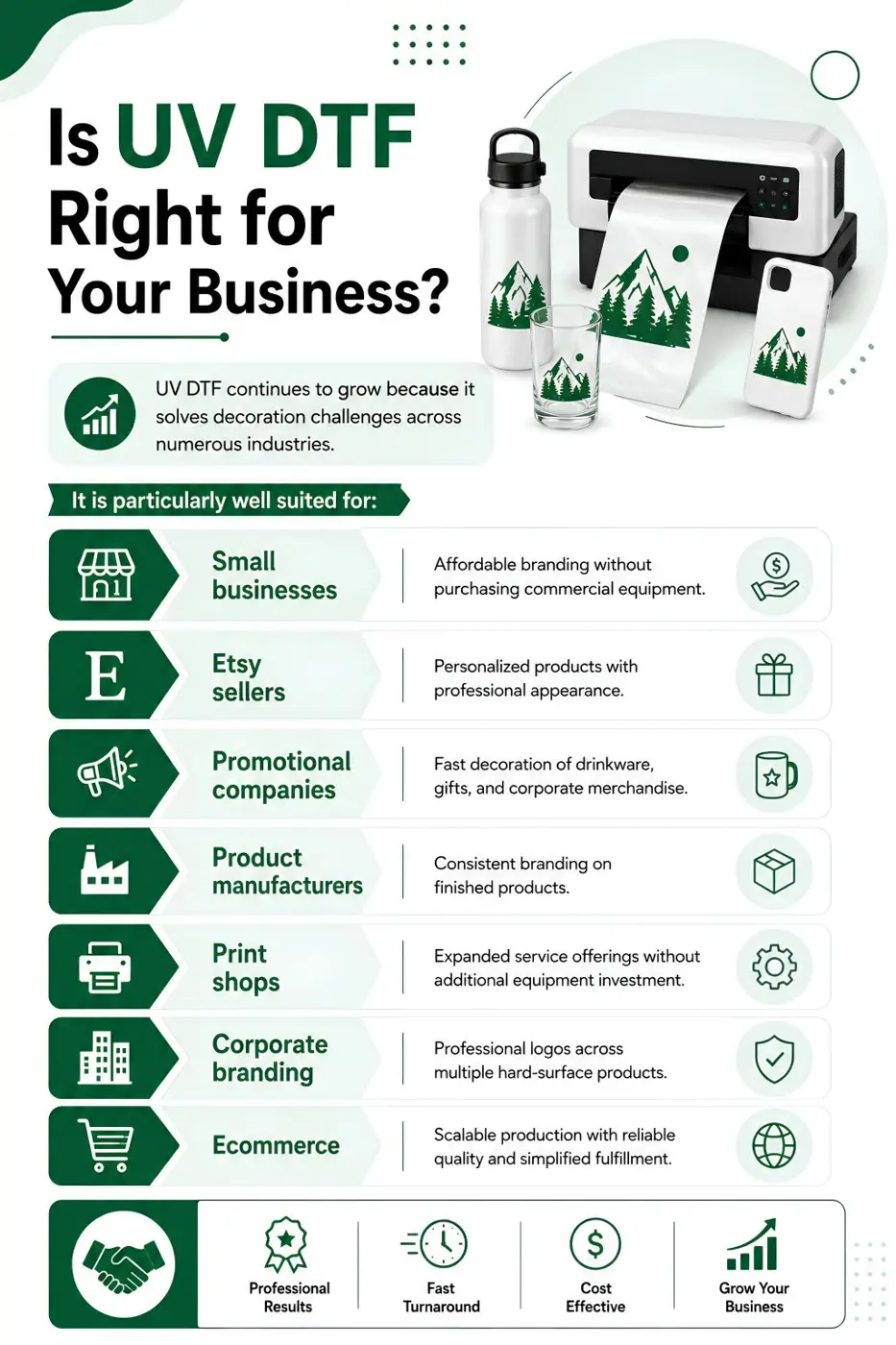
Is UV DTF Right for Your Business?
UV DTF continues to grow because it solves decoration challenges across numerous industries.
It is particularly well suited for:
Small businesses
Affordable branding without purchasing commercial equipment.
Etsy sellers
Personalized products with professional appearance.
Promotional companies
Fast decoration of drinkware, gifts, and corporate merchandise.
Product manufacturers
Consistent branding on finished products.
Print shops
Expanded service offerings without additional equipment investment.
Corporate branding
Professional logos across multiple hard-surface products.
Ecommerce
Scalable production with reliable quality and simplified fulfillment.
To Wrap Up
Avoiding common UV DTF transfer mistakes starts with understanding that successful decoration depends as much on preparation and application as it does on print quality. Clean surfaces, careful positioning, proper storage, quality transfers, and systematic troubleshooting all contribute to durable, professional-looking results.
Businesses that establish consistent application procedures experience less waste, better customer satisfaction, and higher production efficiency. Working with experienced production partners also helps eliminate many common manufacturing variables before transfers even reach your workspace.
By combining careful technique with high-quality UV DTF transfers, businesses can confidently produce attractive, long-lasting hard-surface decoration across a wide variety of products.
FAQs
What are the most common UV DTF transfer mistakes?
Dirty surfaces, rushed placement, trapped air bubbles, incorrect carrier removal, poor artwork, and improper storage are among the most common issues.
How do I avoid bubbles when applying UV DTF transfers?
Apply slowly from one edge while using consistent pressure and ensuring the surface is thoroughly cleaned beforehand.
What surfaces work best for UV DTF transfers?
Glass, acrylic, plastic, metal, powder-coated products, ceramic, and finished wood generally provide excellent adhesion.
Why are my UV DTF transfers peeling?
Peeling is usually caused by contaminated surfaces, poor adhesion, or incorrect application pressure rather than defective transfers.
How should I prepare surfaces before applying UV DTF transfers?
Clean with isopropyl alcohol, remove dust and oils, allow the surface to dry completely, and avoid touching the cleaned area.
Can UV DTF transfers be applied to curved products?
Yes. Apply gradually in smaller sections while maintaining even pressure to reduce wrinkles and air bubbles.
How long do UV DTF transfers last?
When properly applied to compatible surfaces, premium UV DTF transfers provide long-lasting durability and strong adhesion.
Are premium UV DTF transfers worth the extra cost?
Yes. Higher-quality films and adhesives typically provide better print quality, easier application, and fewer production failures.
Can businesses outsource UV DTF production?
Absolutely. Many businesses outsource commercial UV DTF production to improve consistency while reducing equipment and labor costs.
Where can I order professional UV DTF transfers?
Businesses looking for commercial-quality UV DTF production can partner with experienced providers such as DTFS for consistent manufacturing and dependable fulfillment.